
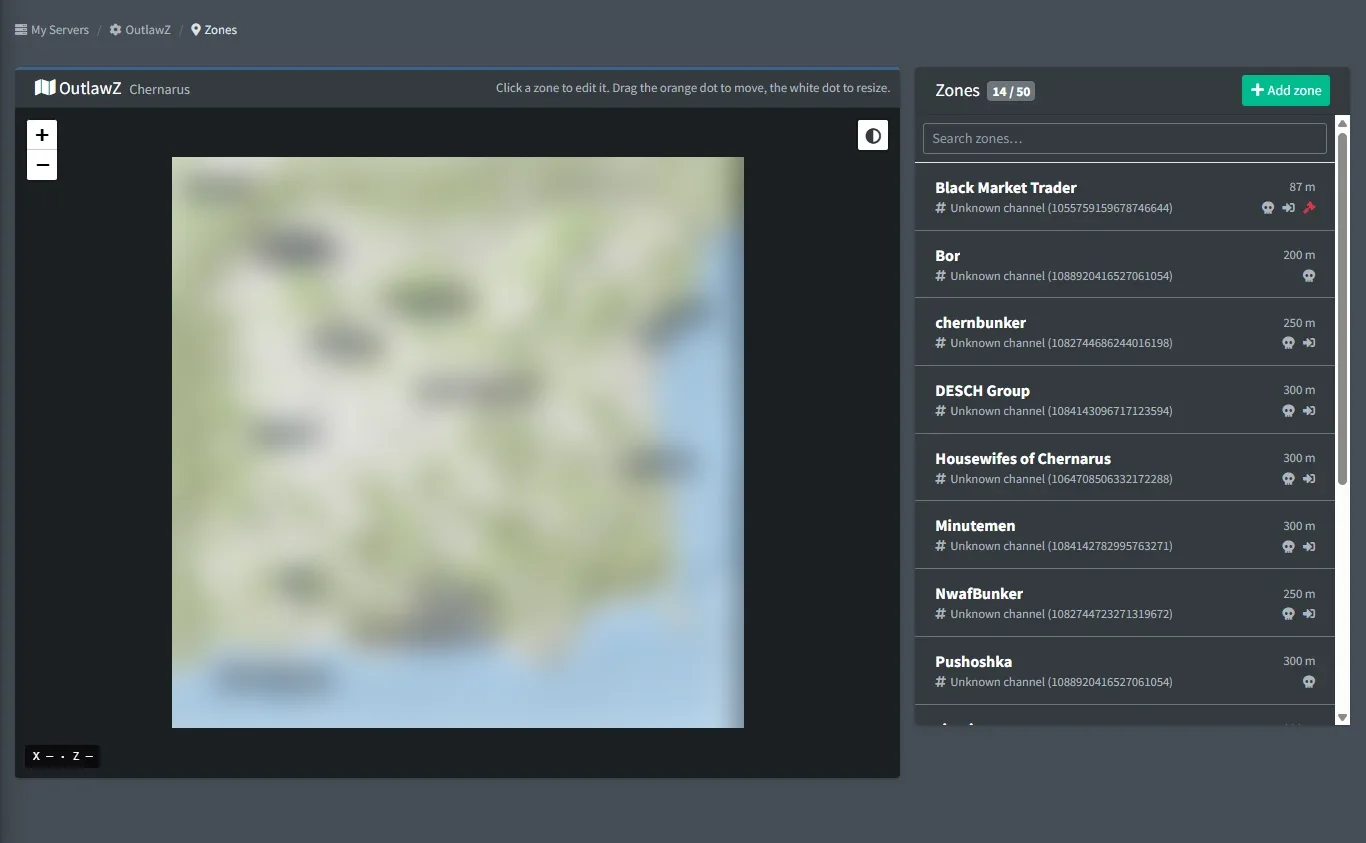
Zones are circles, rectangles or polygons you draw on your map in the dashboard. Circles can also be made with /setupzone. Every kill the bot reads is checked against your zones, and you decide what happens when someone kills inside one.
Tick a zone as a Safe zone or a PvP zone, then let Server Rules do the rest: warn, kick or ban anyone who kills in a safe zone, allow killing only inside PvP zones, or catch players camping a zone. Or put an automatic bounty on anyone who starts a fight in a hot spot.
FreeFree plan
- 3 zones per server
- Kill alerts, pings, locations and bounties
- Safe zones and PvP zones for Server Rules
Paid plan: 50 zones per server, entry alerts, ban on entry, zone ban lists, and King of the Hill zones for factions.
What you get
Map editor
Draw a circle, a rectangle or a polygon corner by corner, then drag to move or reshape it. Chernarus, Livonia, Sakhal and Nasdara.
Safe zones and PvP zones
Tick a zone as a safe zone or a PvP zone. Server Rules can then cover every safe zone or every PvP zone at once, including zones you draw later.
Kill alerts
Post kills inside a zone to its own channel, ping a user or role, and include the location.
Warn, kick, ban or unwhitelist
A Server Rule for kills in a zone warns, kicks or bans the killer, for hours, days, weeks or for good, and can take them off the whitelist.
Automatic bounties
Put a bounty on whoever kills inside the zone.
Ignore lists
Leave out staff, chosen players or whole Discord roles, so they can deal with trouble inside a zone.
Entry checks
Paid plan: alerts with the player's location when someone enters a zone, or ban on entry.
Zone ban lists
Paid plan: list players or Discord roles that are banned from the server as soon as they are seen inside a zone.
Screenshots
Commands
Click a command to see its options and an example.
-
/setupzoneCreate a zone on the map with a name, position and radius. -
/editzoneChange zone settings, such as kill alerts or the safe zone switch. -
/zonemenuOpen the zone management menu. -
/listzonesList all zones. -
/zoneignoreIgnore players or roles inside a zone. -
/zonebanManage a zone's ban list: listed players are banned when seen inside the zone. -
/deletezoneDelete a zone.
Set it up
- Add the bot to your Discord server.
- Log in to the dashboard with Discord and connect your Nitrado account.
- Pick your DayZ server and the channels to post in. The bot creates the channels for you.
Questions
Can I make a safe zone around my trader?
Yes. Draw a zone around it and tick Safe zone, then add a Server Rule "Kill in a zone" with every safe zone and pick what happens: a warning, a kick, a ban for hours, days, weeks or for good, and removal from the whitelist.
How fast are entry checks?
Entry checks use the player positions your server writes to its log, so they follow that log, not every step a player takes.
What shape can zones be?
Circles with a radius from 10 m to 15 km, rectangles, or polygons you draw corner by corner on the dashboard. /setupzone in Discord makes circles.
Guides
Make a Safe Zone on a DayZ Console Server
Draw a zone around your trader or spawn and ban or unwhitelist anyone who kills inside it.
Manage Your Nitrado Whitelist & Ban List from Discord
Add, remove and search whitelist, ban list and priority queue entries from Discord, with staff permissions.
Works well with
Server Rules
Rules the bot checks on every log: spawn kills, KOS outside PvP hours, safe zones, combat logging and raids, with an alert, a warning, a kick or a ban.
Whitelist & Bans
Whitelist, ban list and priority queue from Discord, with warnings and staff permissions.
Factions
Factions with ranks, a shared bank, alliances and their tag on the kill feed.
Maps & Tracking
Player positions, map images, PvP heatmaps and movement paths on Chernarus, Livonia, Sakhal and Nasdara.
Add it to your server
Free to add. No card needed.
